
Most students use an AI lecture note taker the wrong way. They hit record, let the app transcribe, and never open the file again. The transcripts pile up next to hundreds of unread slide PDFs, and exam week feels exactly like it did before — except now there's more material to feel guilty about.
Used deliberately, the same tool changes how you study. Recording frees your attention during class so you can actually think instead of typing, and the transcript becomes raw material for the one study activity with the strongest evidence behind it: retrieval practice. This guide walks through the whole system — how to record and transcribe lectures without breaking any rules, why trying to capture everything by hand hurts comprehension, and how to turn each transcript into flashcards and quizzes on a weekly schedule you can keep during a real semester.
First: ask before you record
Get this out of the way before anything else, because it's the part most articles skip.
Whether you're allowed to record a lecture depends on your institution and often on the individual instructor. Policies genuinely differ: some universities permit recording only as a disability accommodation, some leave it to each professor, some ban it outright, and some countries add consent laws on top. There is no universal "it's fine for personal use" rule.
So ask. A two-line email works: "Would you mind if I record your lectures for my own study? I won't share the audio with anyone." Most instructors say yes when you ask directly and explain it's for personal review. Some will say no — respect that and rely on the other capture methods below (photos of slides, PDFs, typed notes).
Two rules regardless of the answer: never share a recording, even in a class group chat, and never post it anywhere. A recording made for personal study and a recording distributed to others are treated very differently by most university policies.
Why typing everything down hurts comprehension
Here's the counterintuitive reason recording helps at all: manual verbatim note-taking actively works against understanding.
In a well-known series of experiments, Mueller and Oppenheimer (2014) compared students taking notes on laptops with students writing longhand. Laptop note-takers wrote much more — but they tended to transcribe the lecture word for word, and they performed worse on conceptual questions afterward. Longhand note-takers, forced to be selective, had to process and rephrase ideas, and understood them better.
The problem isn't laptops. It's transcription mode. When your working memory is fully occupied with capturing what was just said, nothing is left over for asking "wait, why does that follow?" You become a stenographer instead of a student.
An AI note taker for lectures resolves this trade-off instead of forcing you to pick a side. The app handles the verbatim record — every definition, every date, every aside about what's on the exam — and you take sparse thinking notes: questions, confusions, connections to earlier material. You get the complete capture Mueller and Oppenheimer's laptop users had, plus the deep processing their longhand users had.
A recording workflow that actually works
The mechanics matter more than they seem. A 50-minute lecture recorded from the back row with notifications buzzing produces a transcript full of holes.
- Sit close. Front third of the room. Phone microphones are good, but distance and crowd noise are the main causes of garbled transcripts.
- Silence the phone properly. Do Not Disturb on, screen face down or propped up. A recording app is useless if a call interrupts it — and checking messages mid-lecture defeats the entire point.
- Start recording before the lecture starts. Professors often state the roadmap and exam hints in the first two minutes.
- Take sparse notes by hand while it records. Not sentences — fragments: "why does entropy increase here??", "connects to week 3", "SHE SAID THIS IS ON MIDTERM." If your app shows a live transcript, you can also glance at it to confirm the audio is being picked up.
- Mark confusion, don't resolve it. When you get lost, jot the topic and keep listening. The transcript lets you revisit that exact section later; trying to catch up in real time is how you lose the next ten minutes too.
That's it during class. Your only jobs are to listen, think, and flag what confused you.
Turn the transcript into retrieval practice, not reading material
This is where most students leak all the value. Re-reading a transcript feels like studying. It isn't — or at least, it's close to the least effective thing you can do with your time.
The evidence here is unusually one-sided. Roediger and Karpicke (2006) had students either repeatedly study a text or study it once and then repeatedly test themselves on it. A week later, the students who tested themselves remembered substantially more — even though the re-studiers felt more confident. Testing isn't just measurement; the act of retrieving a memory strengthens it.
A large review by Dunlosky and colleagues (2013) reached the same conclusion across hundreds of studies: of ten common study techniques, practice testing and spreading study over time (distributed practice) earned the highest utility ratings. Re-reading and highlighting — the two things students do most — rated low.
So the pipeline for every lecture transcript looks like this:
- Summary → read once. Use it to rebuild the lecture's skeleton in your head and to check the sections you flagged as confusing. This is orientation, not studying.
- Flashcards → your main tool. Every key term, definition, formula, and "why" question becomes a card. Answer from memory before flipping. Sort cards into known and unknown, and keep drilling the unknowns.
- Quiz → your reality check. Multiple-choice questions on the lecture content tell you what you think you know but don't. Every wrong answer is a gift: it points to the exact transcript section to revisit.
If your app generates flashcards and quizzes from the transcript automatically, this whole step takes minutes. We've written a deeper guide on that in how to turn notes into flashcards and quizzes. If you're doing it manually, it's still worth doing — writing your own questions is itself a form of processing.
A realistic weekly study workflow
Retrieval practice only compounds if it's distributed — spaced across days rather than crammed into one. Here's a schedule that survives contact with an actual student life. Total cost: roughly 45–60 minutes per course per week.
| When | Time | What you do |
|---|---|---|
| Same day as lecture | 10–15 min | Read the summary, check flagged confusions against the transcript, do one flashcard pass |
| Two days later | 10 min | Flashcards again — unknown pile only |
| Weekend | 20 min | Take the quiz for the week's lectures; reread only the transcript sections you got wrong |
| Before the exam | Variable | Re-quiz everything, oldest lectures first; drill remaining unknown cards |
Notice what's absent: no re-reading marathons, no rewriting notes "neatly," no highlighting. Every block is either retrieval or targeted repair of a specific gap the retrieval exposed.
The "oldest first" rule in exam prep matters because forgetting is steepest for the material you touched longest ago — that's where retrieval effort pays off most, and it's exactly the material cramming skips.
What to look for in an AI lecture note taker
Not every transcription app is built for studying. If you're evaluating options (we compare several in our roundup of the best AI note-taking apps), judge them against the workflow above:
- Recording durability. A 90-minute lecture recording that vanishes because the app crashed or your battery died is a catastrophe. Look for apps that save audio continuously as they record.
- Live transcript preview. Lets you confirm mid-lecture that the mic is actually catching the lecturer.
- Accuracy on technical vocabulary. Course material is full of jargon and accented speech. Test any app on a real lecture before trusting it for a semester.
- Built-in study tools, not just transcripts. If the app stops at a transcript, you're back to passive re-reading. Flashcard and quiz generation is what converts capture into learning.
- Multiple input types. Lectures aren't your only material. PDF import for slides and photo capture for whiteboards let one app hold the whole course.
- Privacy you can verify. Lecture audio includes other people's voices. Prefer apps that store notes on your device and don't retain audio after processing.
- A usable free tier. You should be able to test the full record → study loop before paying.
How Steno works as an AI lecture note taker
Steno is our iPhone app, and it was built around exactly this pipeline: record → transcript → summary → flashcards → quiz, all inside one note.
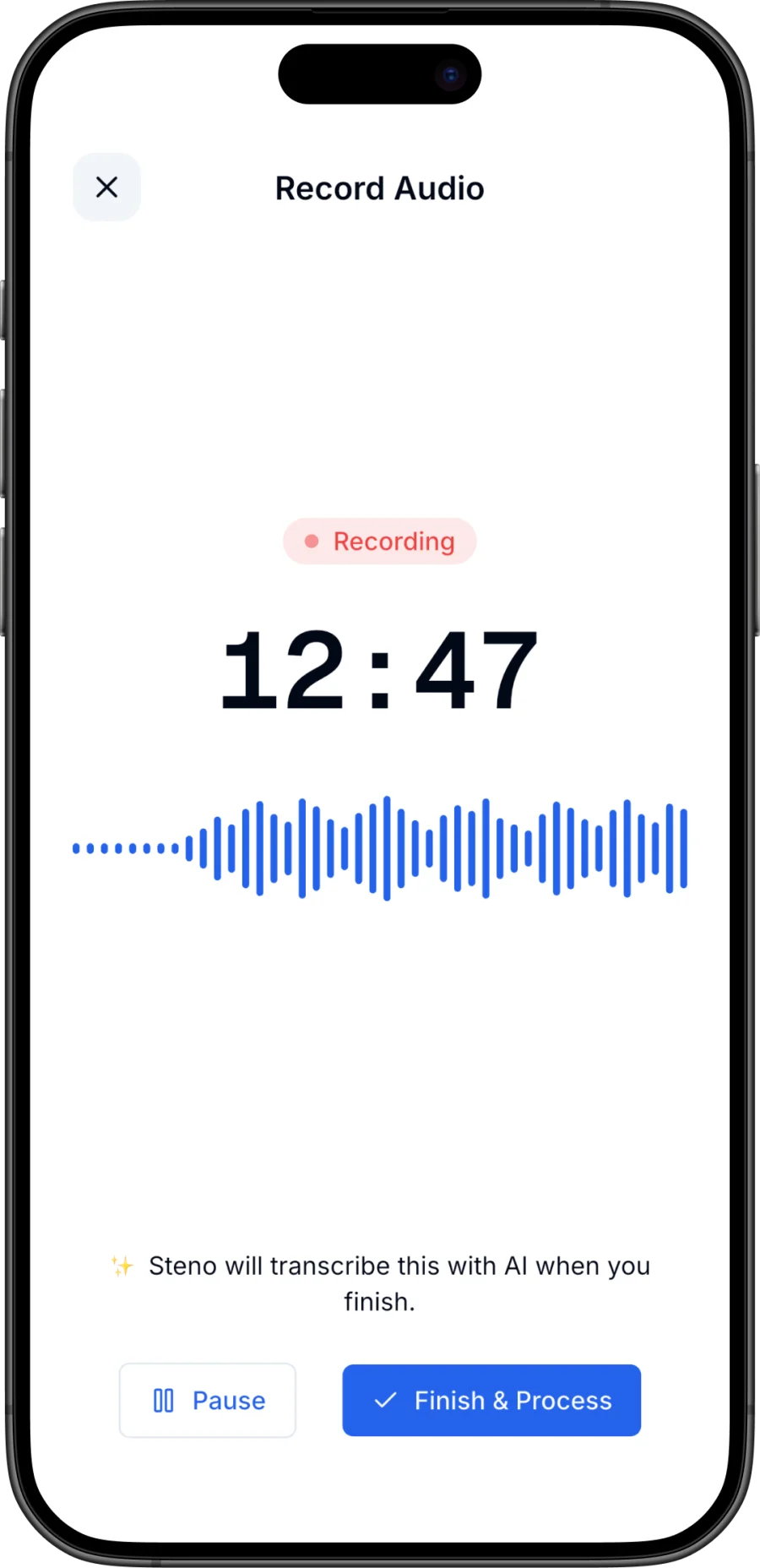
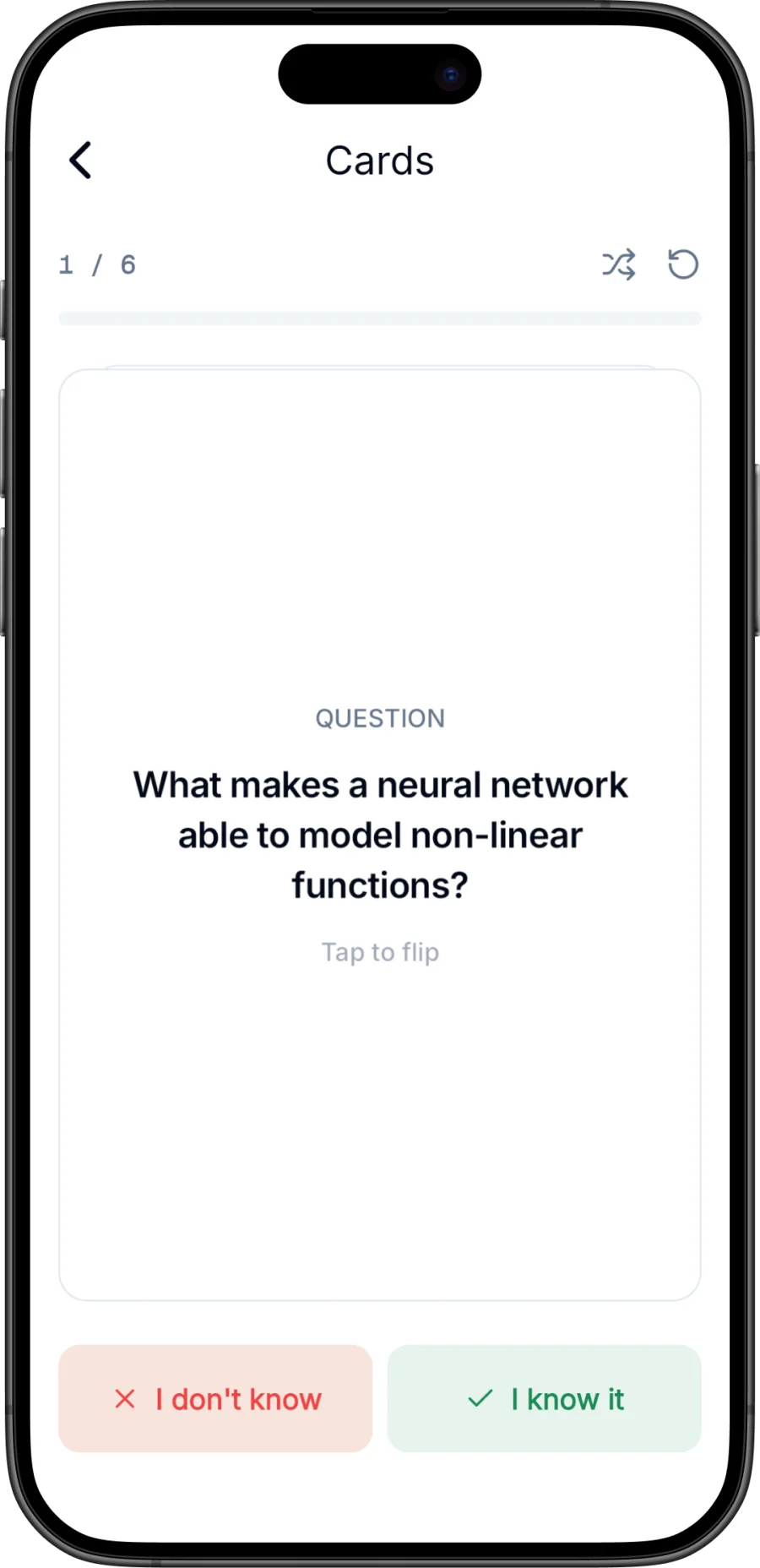
You start a recording and watch a live on-device transcript appear as the lecturer speaks — instant confirmation the audio is good. Recordings are written to disk continuously, so if the app is killed or your phone dies mid-lecture, the audio is recovered on next launch. When you stop, AI produces an accurate transcript, a structured summary with key points and key terms, and flashcards you swipe through as known or unknown. The quiz generates scored multiple-choice questions from the note, and chat lets you ask follow-ups like "explain the second proof more simply."
For the rest of the course, Steno takes audio file imports, PDFs (slides), pasted text, and photo scans, and you can organize everything into per-course folders with full-text search. Notes stay on your device, no account is required, and audio sent for AI processing isn't kept afterward.
The free plan includes a monthly AI transcription allowance with recordings up to 15 minutes — enough to run the full loop on seminar segments and decide if it fits how you study. Steno Pro adds unlimited AI transcription, quizzes, chat, speaker labels, and detailed or simplified summaries. There's a full walkthrough in how to use an AI note taker if you want to see each step.
Download Steno for iPhone and try it on your next lecture — record it (with permission), and see how far the summary-flashcards-quiz loop gets you in fifteen minutes of same-day review.
Common mistakes to avoid
- Treating recordings as attendance. Skipping class because "I'll listen later" fails twice: you rarely listen later, and audio without the visual context of slides and board work is much harder to follow.
- Never processing the same day. A transcript you first open three weeks later is an archive, not a study tool. The 10-minute same-day pass is the highest-leverage habit in the whole system.
- Re-reading transcripts as your main study method. As the research above shows, retrieval beats re-reading. Transcripts are for targeted lookups after a quiz exposes a gap.
- Keeping every flashcard in rotation. Once a card is reliably known, retire it. Your unknown pile should shrink every week; if it doesn't, your cards are too broad.
- Recording without asking. Beyond the policy risk, getting caught torches trust with an instructor you may need a reference from later.
- Only using it for lectures. The same capture-then-retrieve loop works for study group discussions and office hours — the etiquette from our guide to in-person meeting notes applies there too: ask first, keep it private.
Frequently asked questions
Is it legal to record lectures at university?
It depends on your institution's policy, your instructor, and local consent laws — there's no universal answer. Many universities allow personal-use recording with instructor permission; some restrict it to accessibility accommodations. Ask your instructor directly before recording, and never share or post recordings.
Can an AI note taker replace going to lectures?
No, and it's a bad trade. Audio alone misses slides, board work, and demonstrations, and you lose the chance to ask questions. An AI note taker for lectures works best as a supplement: it frees your in-class attention for thinking and gives you material for retrieval practice afterward.
What's the best way to study from a lecture transcript?
Don't re-read it. Read the AI summary once for orientation, then move to active recall: flashcards on key terms and concepts, then a quiz. Research on test-enhanced learning consistently shows self-testing produces stronger long-term retention than re-reading the same material.
How long should reviewing a recorded lecture take?
About 10–15 minutes the same day: skim the summary, check anything that confused you against the transcript, and do a first flashcard pass. Add a 10-minute flashcard review two days later and a 20-minute weekly quiz. If you're spending an hour re-listening to full recordings, you're using the tool as a rewind button instead of a study system.

